A variety of tools exist for removing unwanted noise from an audio file. I was a big fan of BIAS SoundSoap back in the day, but now the most popular software app for denoising audio is iZotope RX.
However, for those of us who use REAPER, there is actually a very powerful plugin packaged with the main DAW, which does a really good job of removing random background noise sources, like hum and hiss.
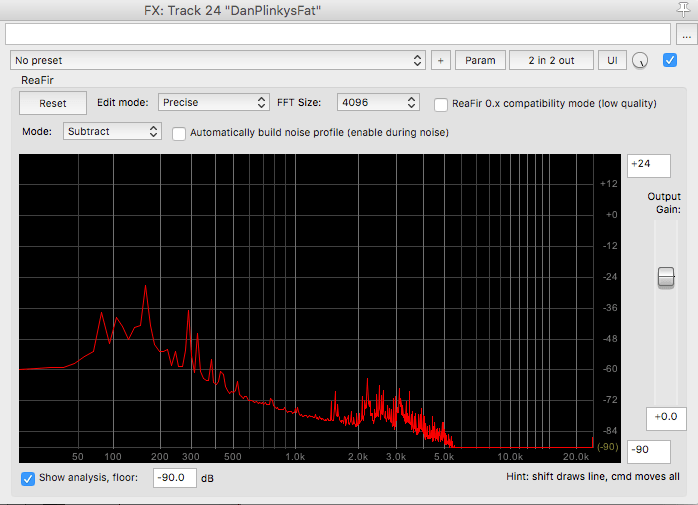
The plugin is called ReaFir, and to use it, you select the “Subtract” mode, tick the box to “Automatically build noise profile”, and then start playback during a section of the track where you have only recorded the noise that you want to remove. After the profile is built, simply untick the “build noise profile” box, and subtractive processing will be applied to denoise the track.
If you are trying to do this for a large number of tracks, then it might make sense to “freeze” or render the tracks, as the ReaFir plugin can use up available RAM pretty quickly, and/or may apply unwanted latency.
 Linguo [music]